Thank you for your love and willingness to share your photos with us
- From your phone, Click on the link that was sent to you
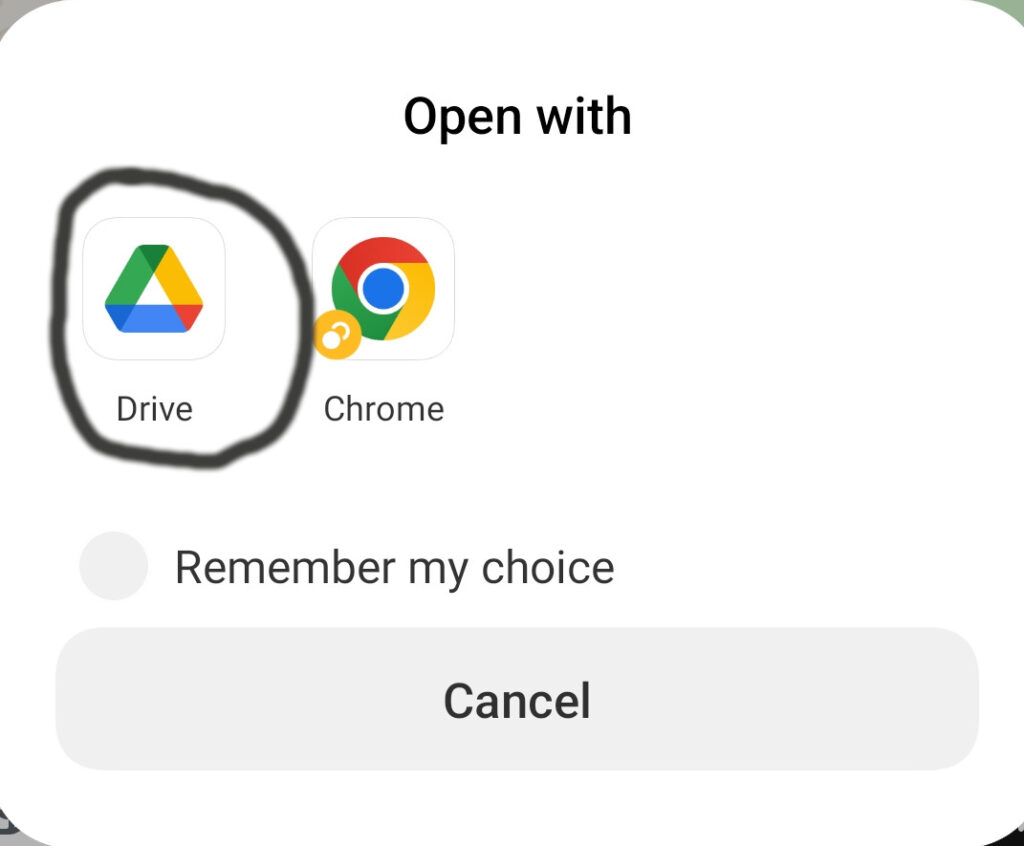
- Select Drive
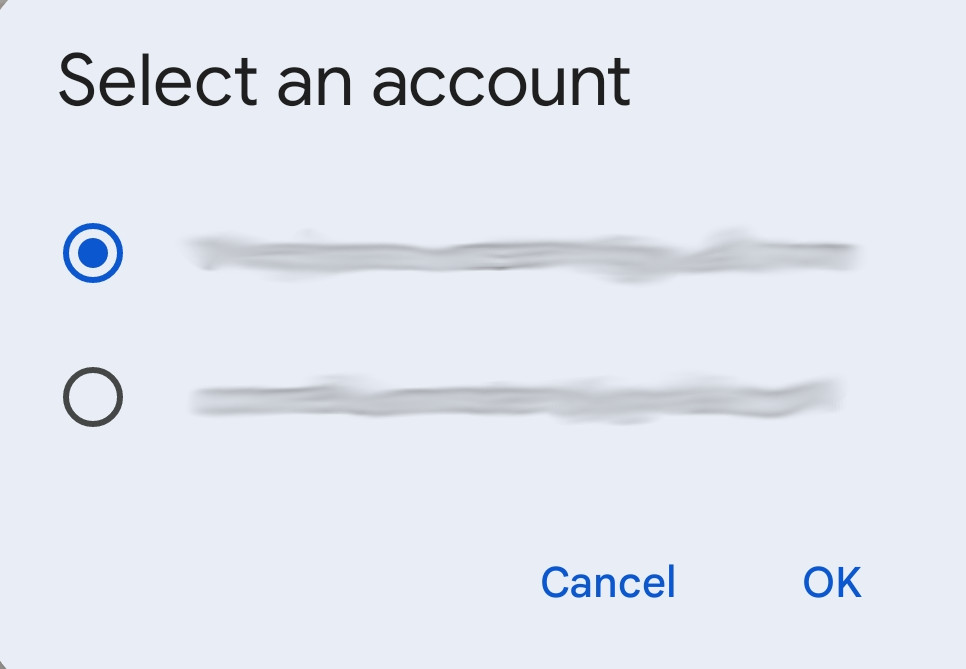
3. You may not need to do this step.. But if asked what account to use, select your preferred account
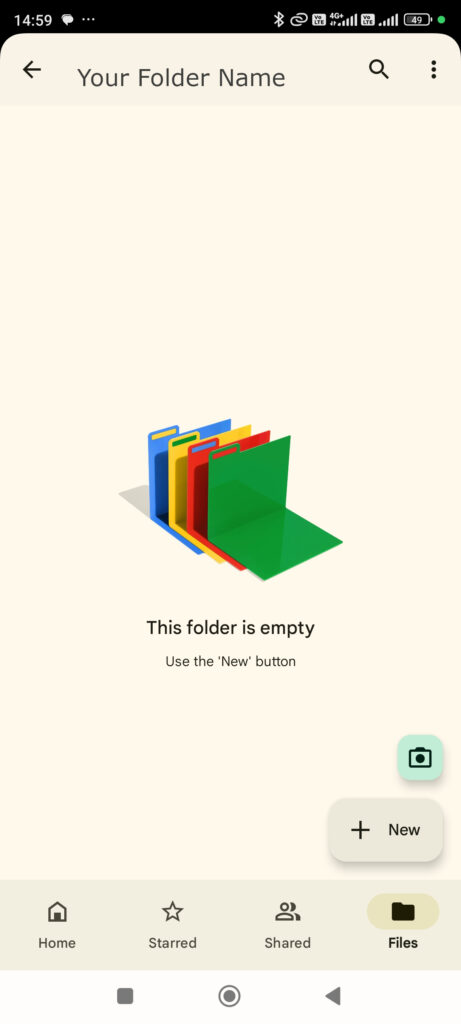
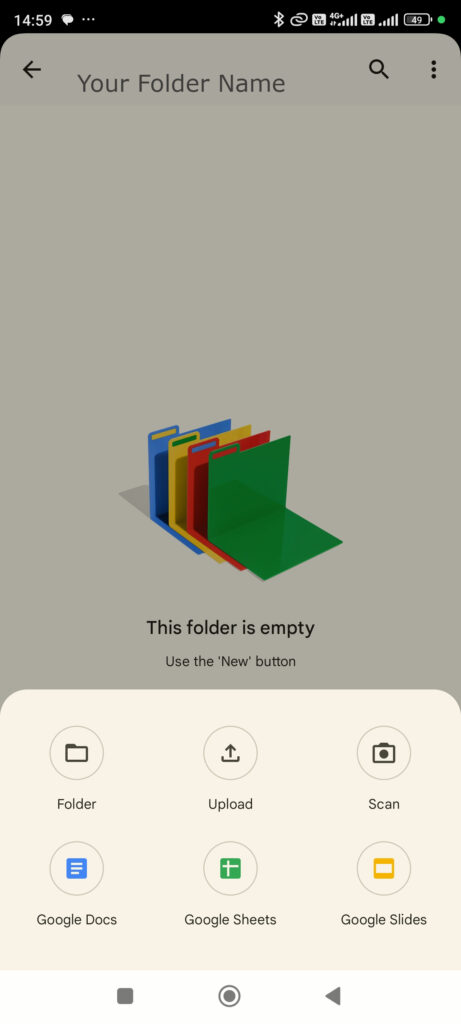
4. Click the “+ New button”
5. Select Upload
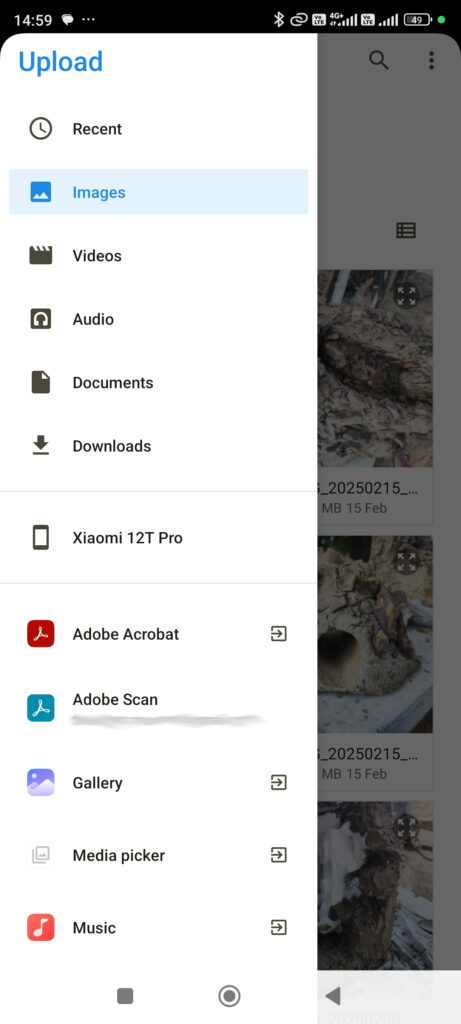
6. Select Gallery
7. Select the photos you want to share and the Check Mark, or Upload, or Done
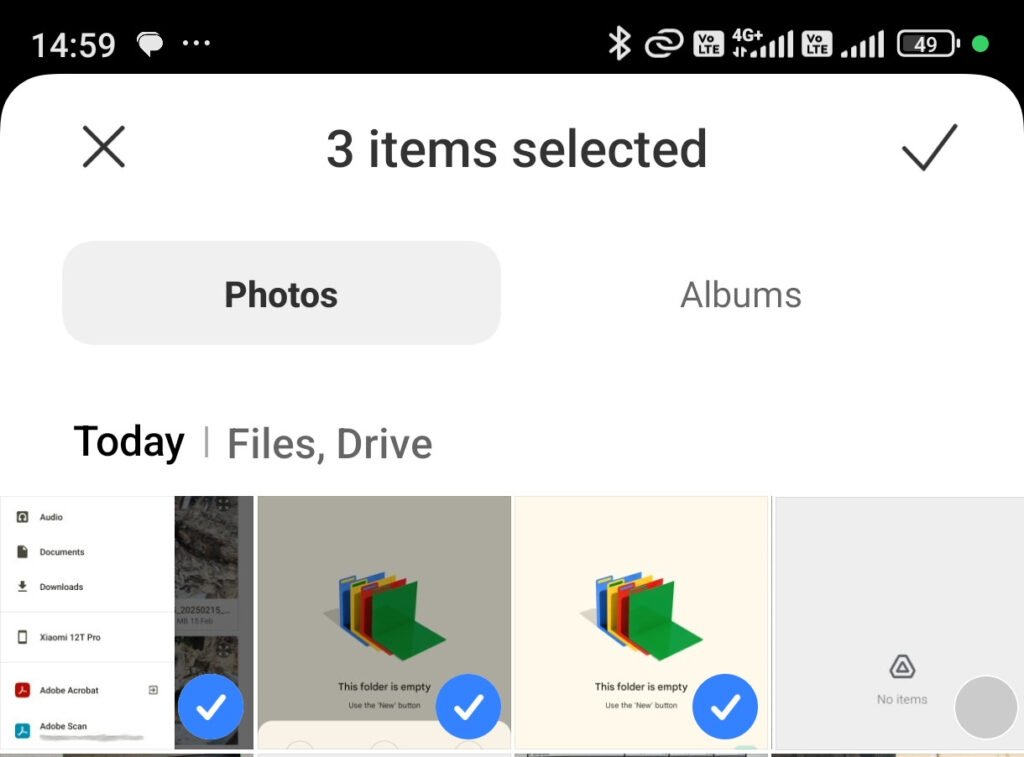
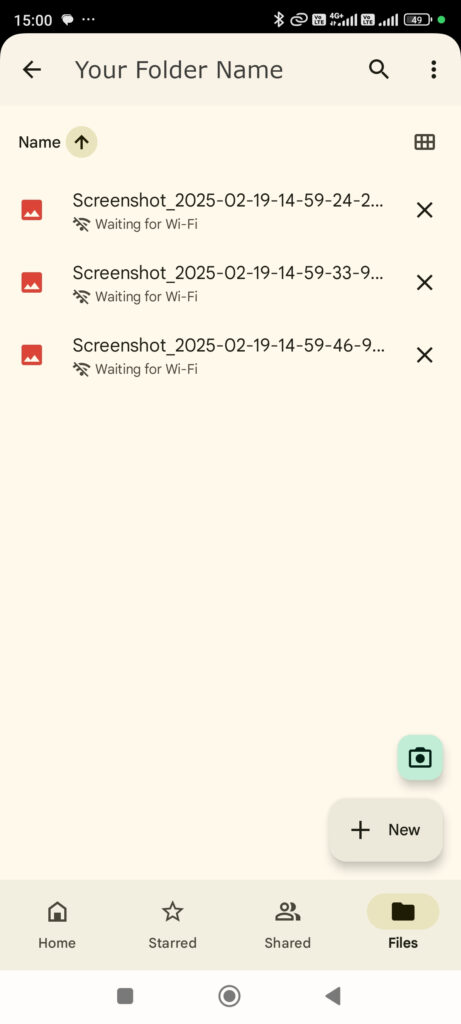
8. Now you should see the files that will be uploaded